Private field library for iPhone

Find the animals. Review the blanks.

TriggerSort organizes big trail-camera imports in Photos, identifies wildlife on your device, and puts likely empty frames into a cleanup queue that you control.

  • Built for iPhone
  • iOS 18 or later
  • No account required
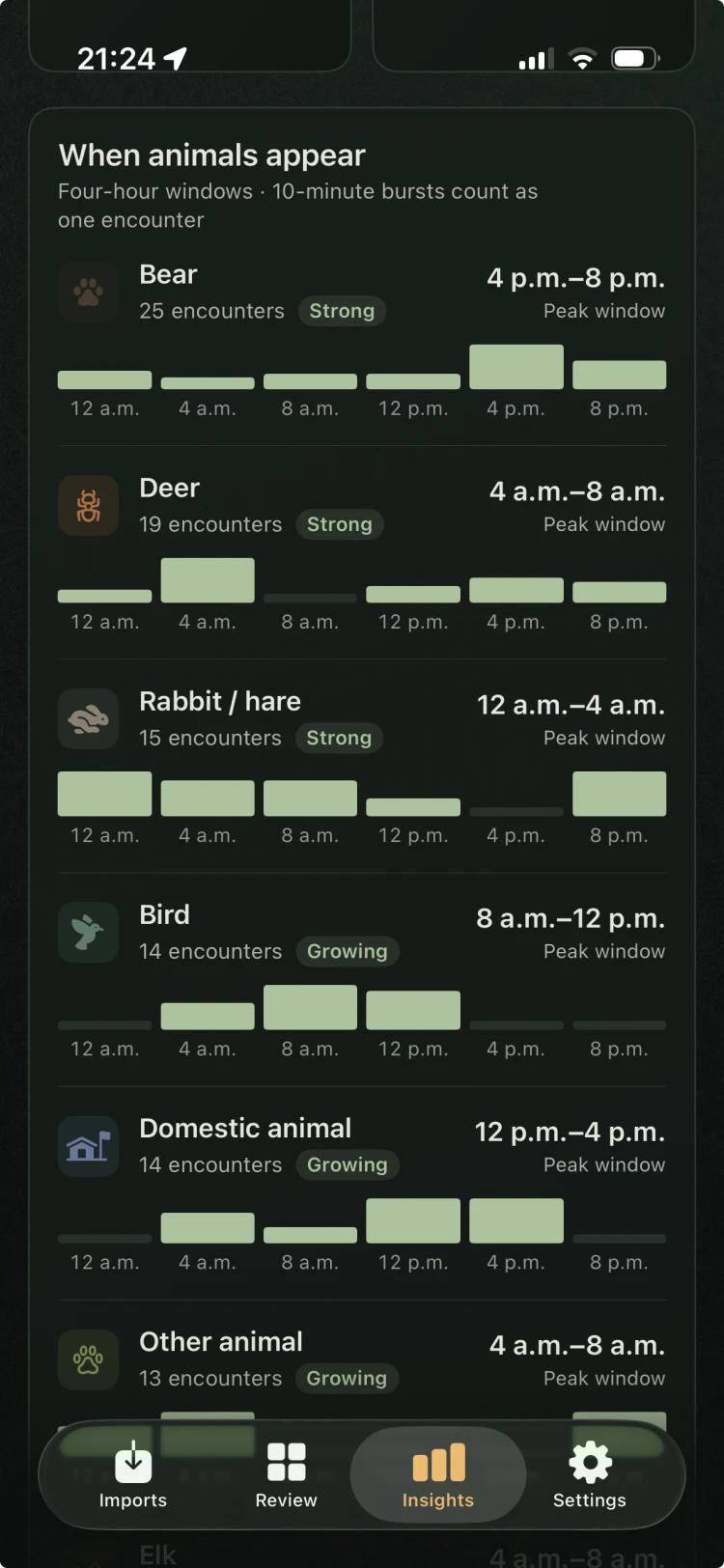
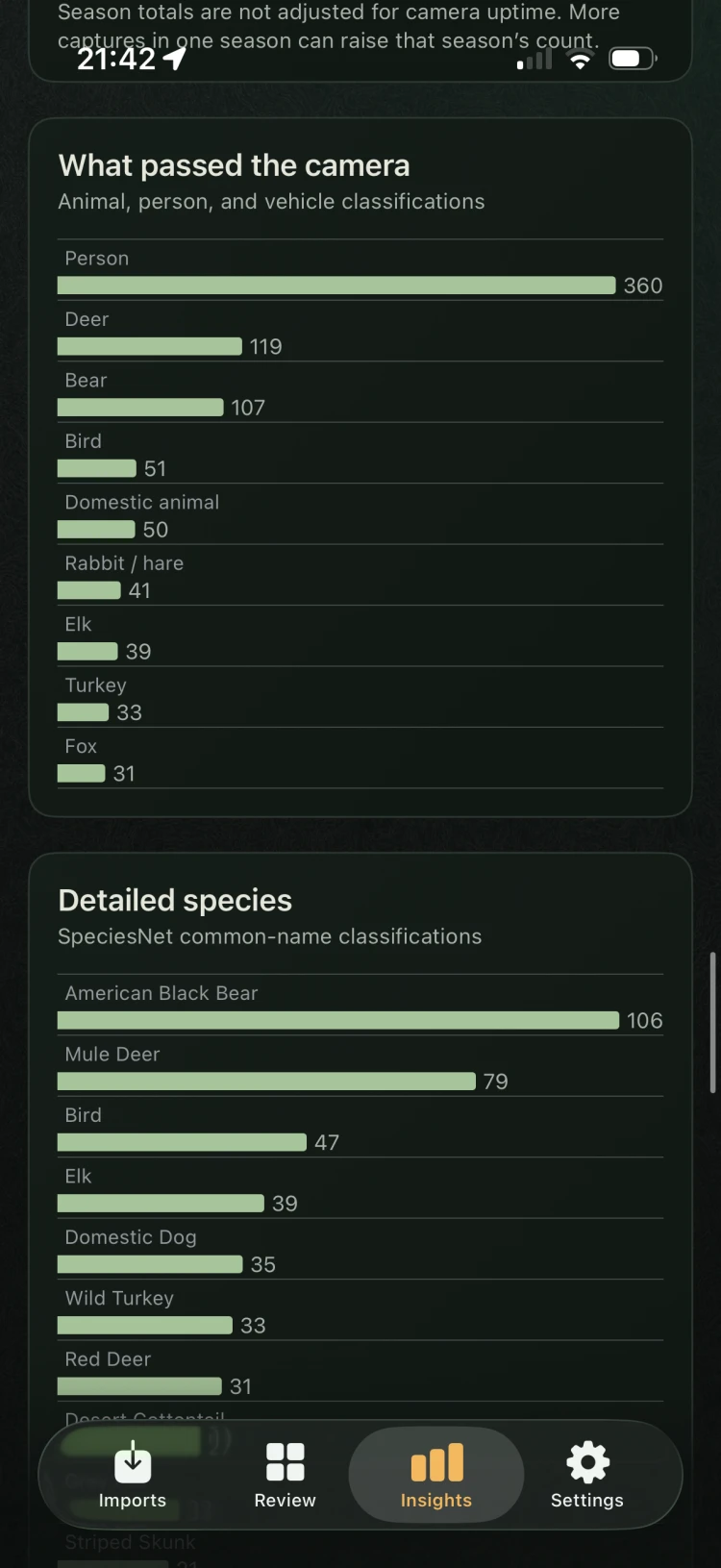
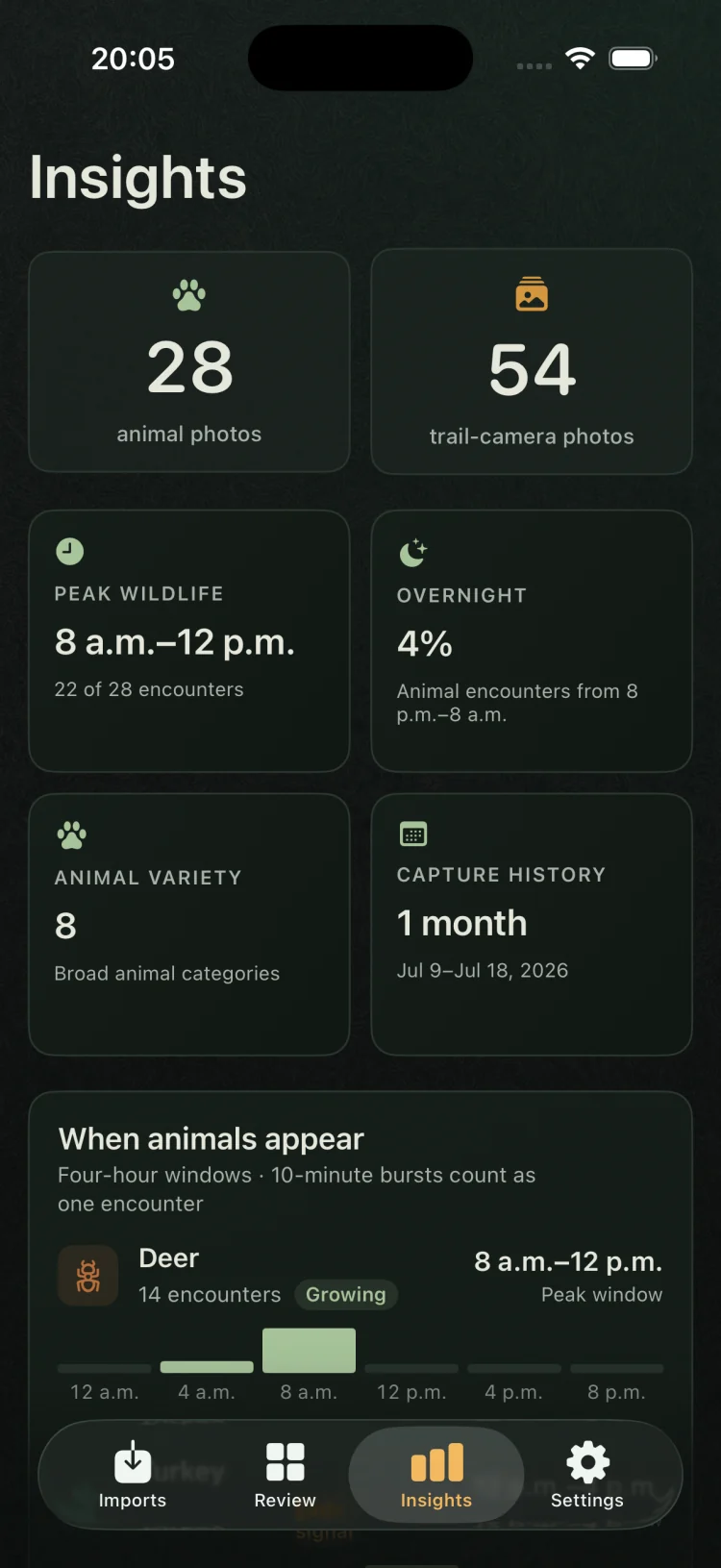
TriggerSort Insights showing wildlife totals, peak activity, overnight movement, animal variety, and capture history
Local insights
28 wildlife Offline
The workflow

From full card to useful library.

TriggerSort is designed around the way trail-camera photos actually arrive: hundreds or thousands at a time, mixed with empty triggers, small animals, and more than one camera.

01 / IMPORT

Download the card with Photos, like you already do.

Import images normally with Apple’s Photos app. TriggerSort discovers those batches afterward—including trail-camera imports already in your library from before you installed the app—and asks you to confirm uncertain sources.

02 / SORT

Let the device find the signal.

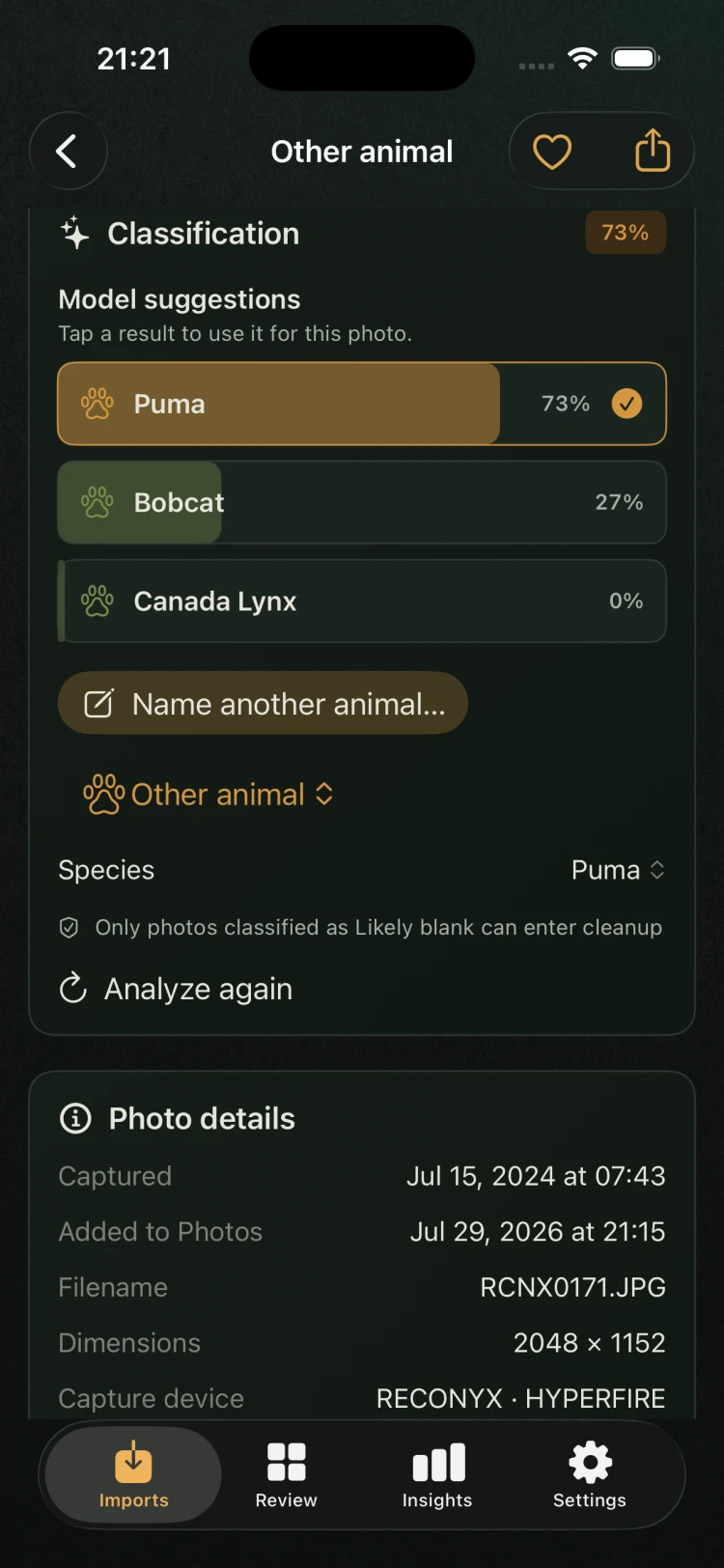
Bundled wildlife models classify photos locally, organize broad categories, and preserve unfamiliar subjects for review.

03 / REVIEW

Keep the discoveries. Approve the cleanup.

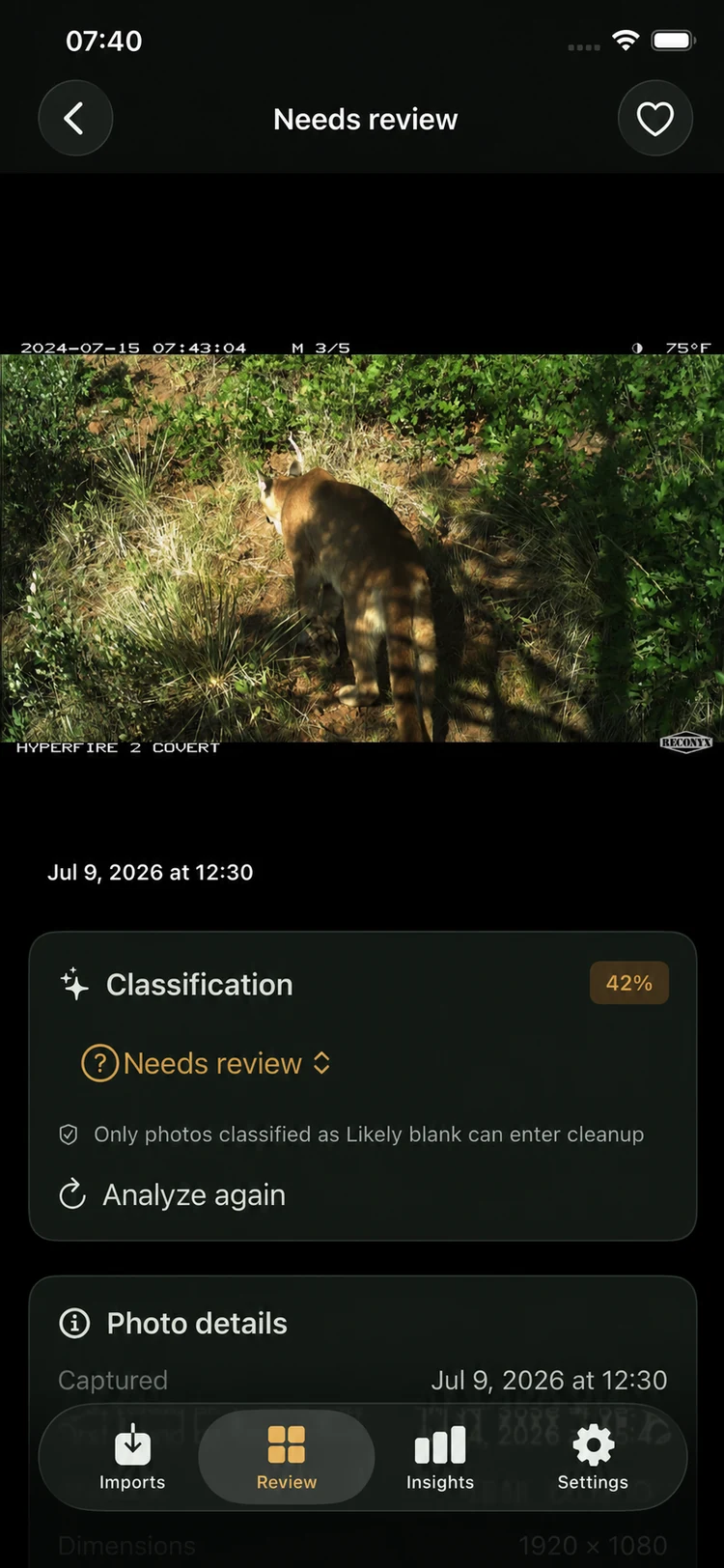
Inspect likely blanks, make exceptions, and confirm your selection before Apple Photos moves anything to Recently Deleted.

From the field

Developed in Colorado.

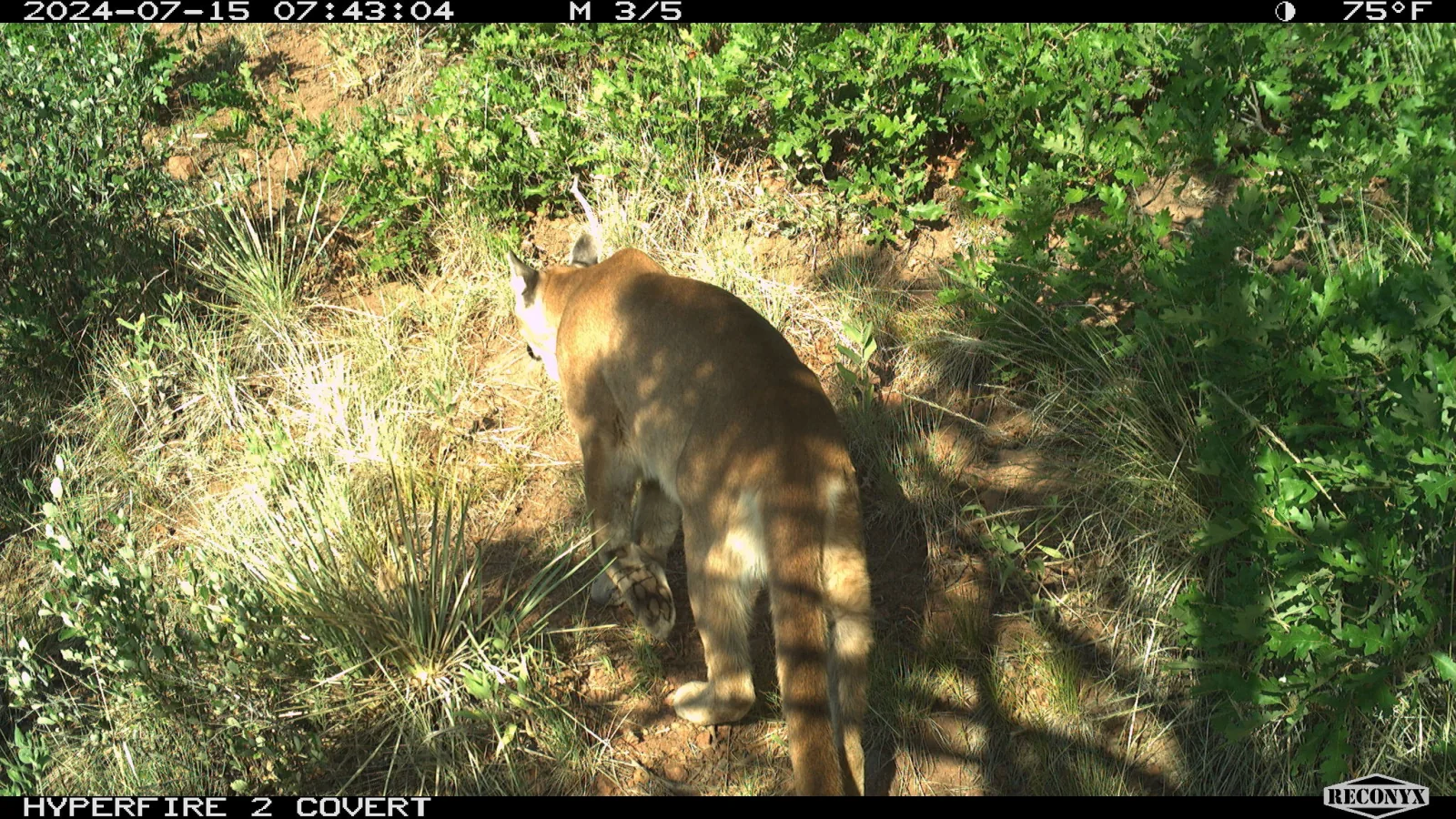
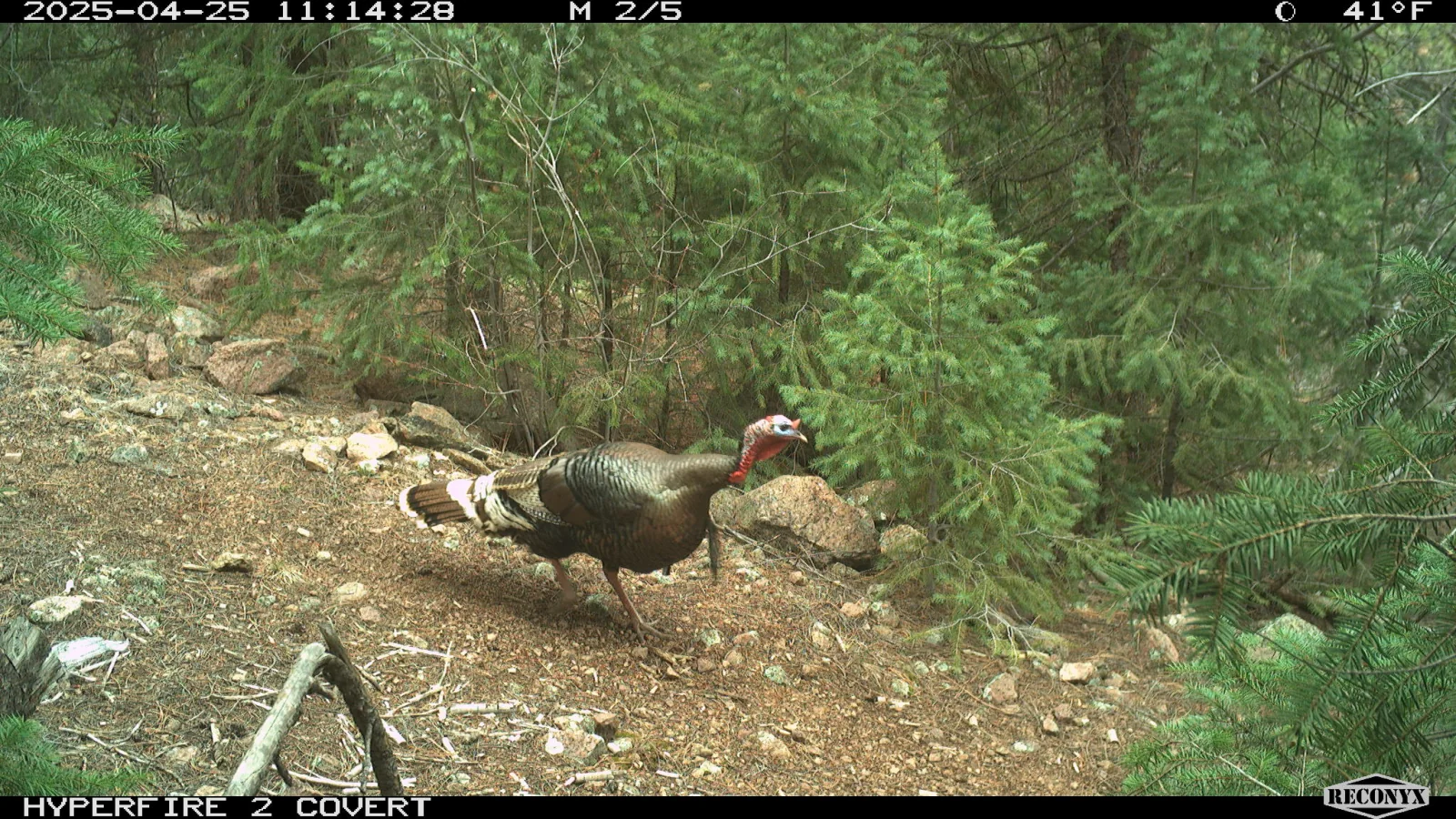
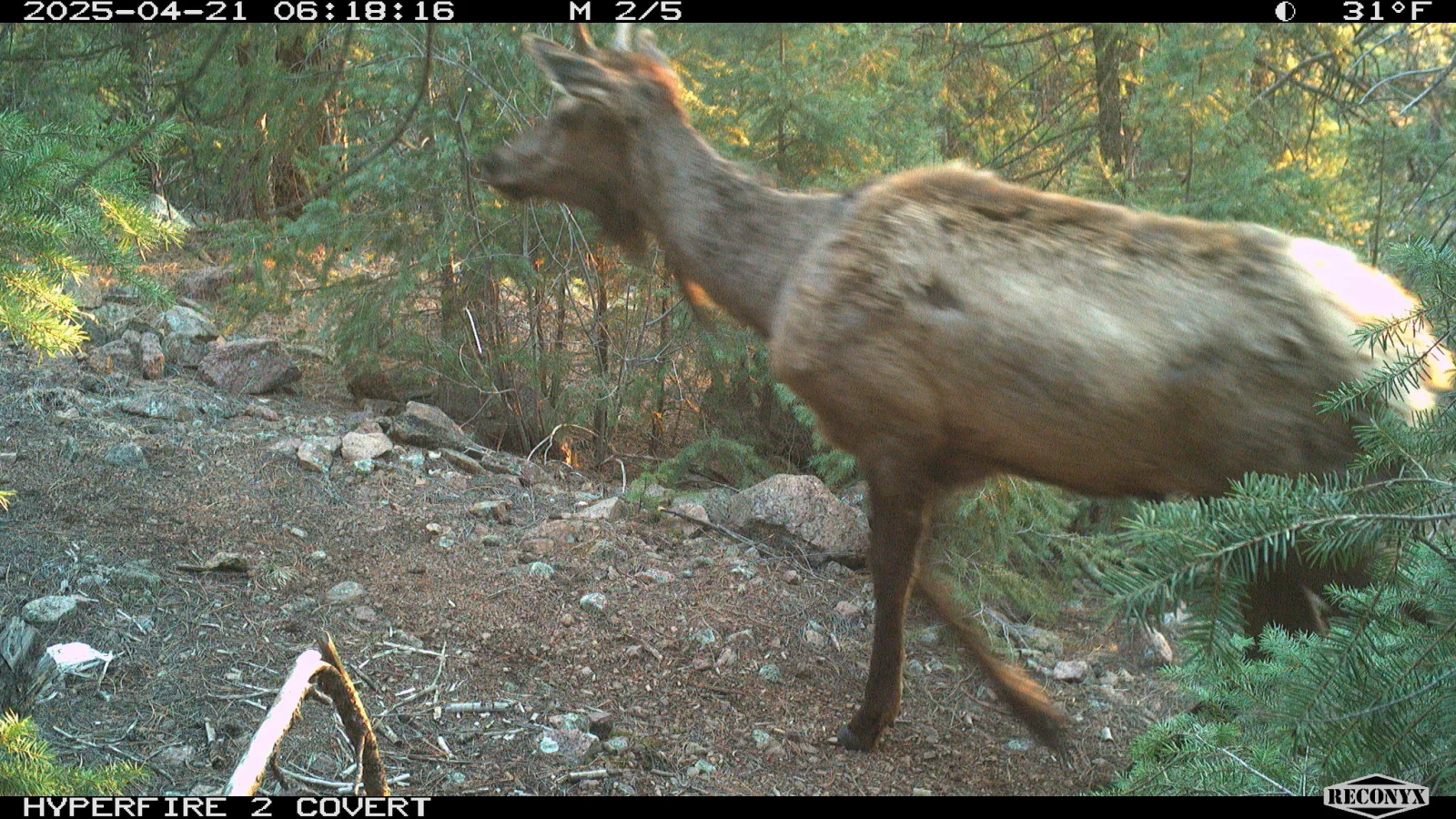
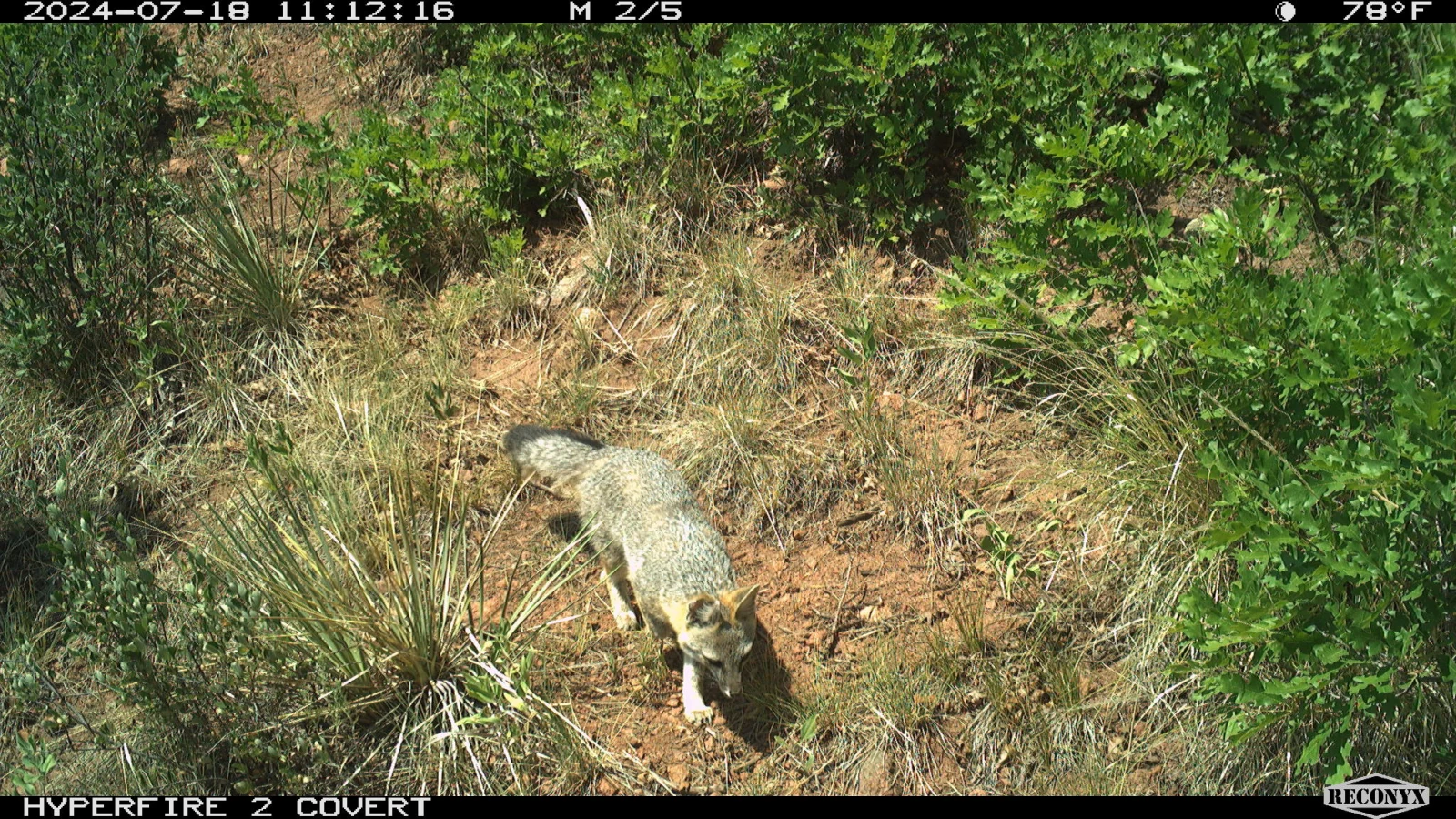
Real trail-camera moments are the reason TriggerSort exists: the quick pass, the unexpected visitor, and the frame you are glad you kept.

A mountain lion walking uphill through oak brush in a trail-camera photograph
Mountain lion
A wild turkey crossing a forest clearing in a trail-camera photograph
Wild turkey
An elk moving close past a trail camera at sunrise
Elk
A gray fox walking through oak brush in a trail-camera photograph
Gray fox
Personal field archive

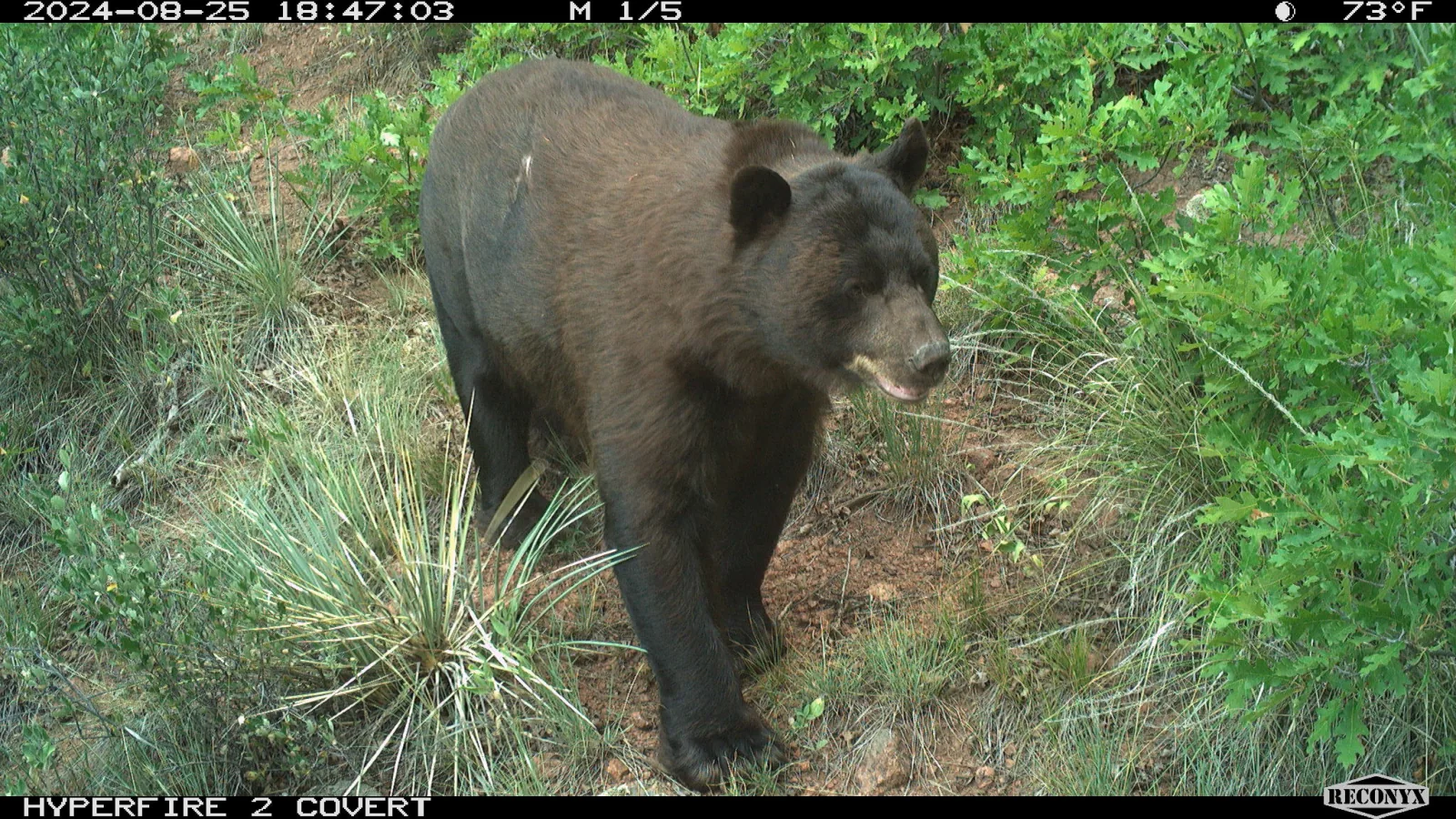
The trail-camera photographs featured on this page are from my own cameras in Monument, Colorado.

A black bear photographed by a trail camera in Monument, Colorado
Local classification Black bear
Private by design

Your field stays yours.

Trail-camera photos can reveal wildlife, people, property, and location patterns. TriggerSort minimizes that exposure by keeping its photo analysis on your iPhone.

  • No TriggerSort photo-processing server
  • No photo, thumbnail, label, note, or location upload
  • No account required to organize your library
  • Optional iCloud originals are still analyzed locally
Read the privacy policy
Field tools, not feed clutter

Everything you need after the card comes home.

Organize the import, inspect the wildlife, clean up the misses, and understand what passed each camera—all without turning your photo library into a cloud service.

01 / CAMERA-AWARE

Keeps your other photography out of the cleanup flow.

TriggerSort screens likely trail-camera batches and asks you to confirm uncertain sources before they enter the working library.

02 / REVIEWABLE

Conservative blank suggestions.

A high-confidence queue, visible exceptions, and two confirmations put safety ahead of a flashy deletion count.

03 / SEARCHABLE

Species, times, tags, and camera names.

Filter the field library, favorite important frames, add notes and buck IDs, and keep corrections on the device.

04 / INSIGHTFUL

See what moved—and when.

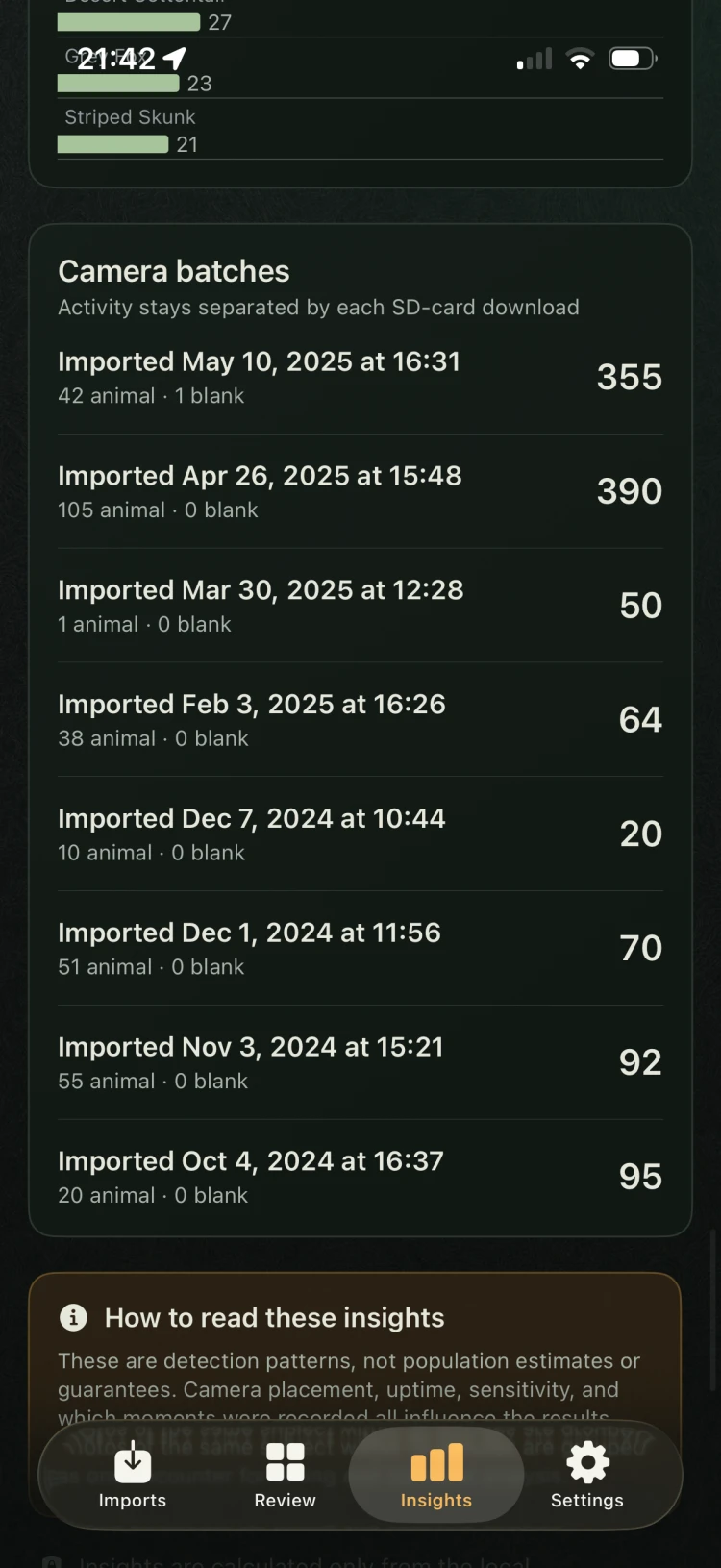
Explore species and category counts, capture-hour activity, monthly filters, and per-batch summaries, then export a CSV when you need it.

Inside TriggerSort

See the patterns behind every card.

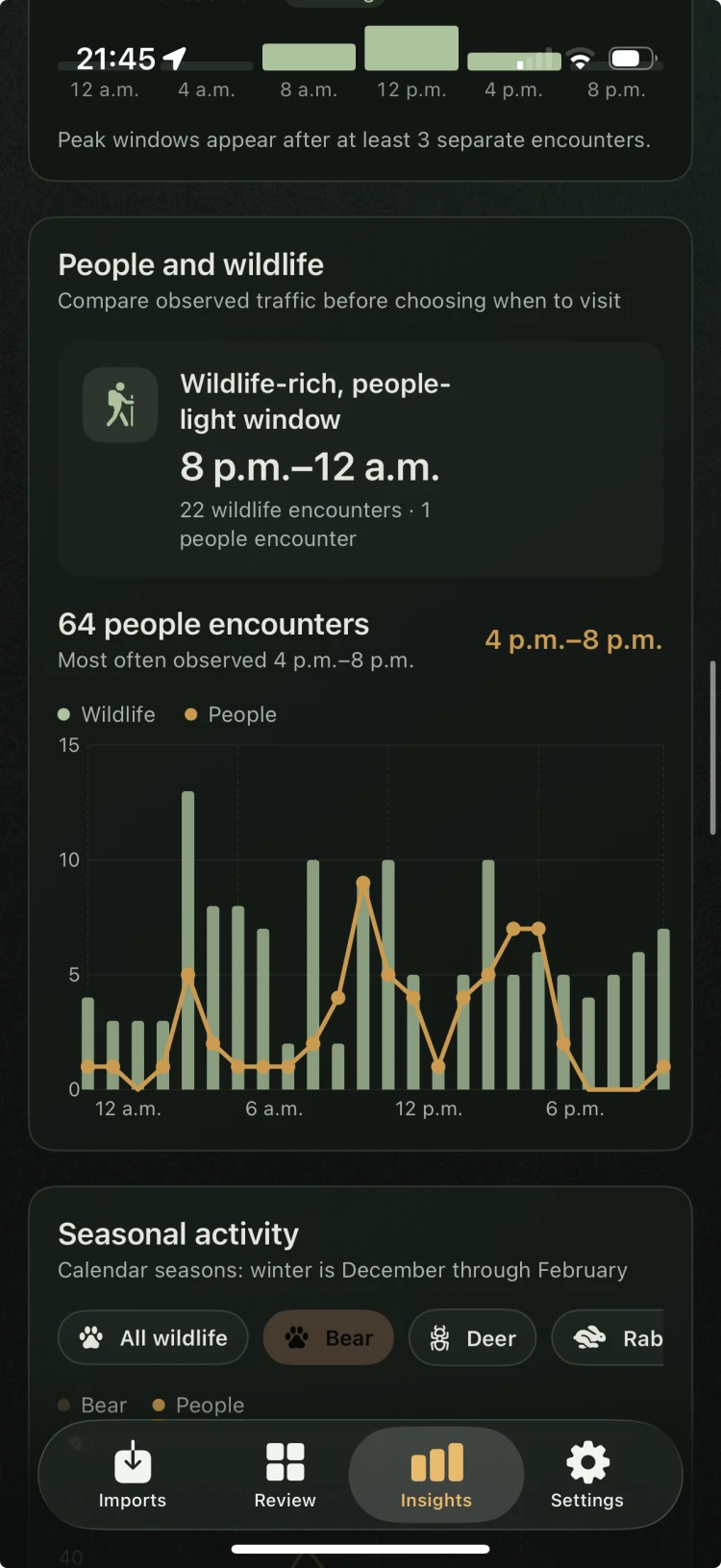
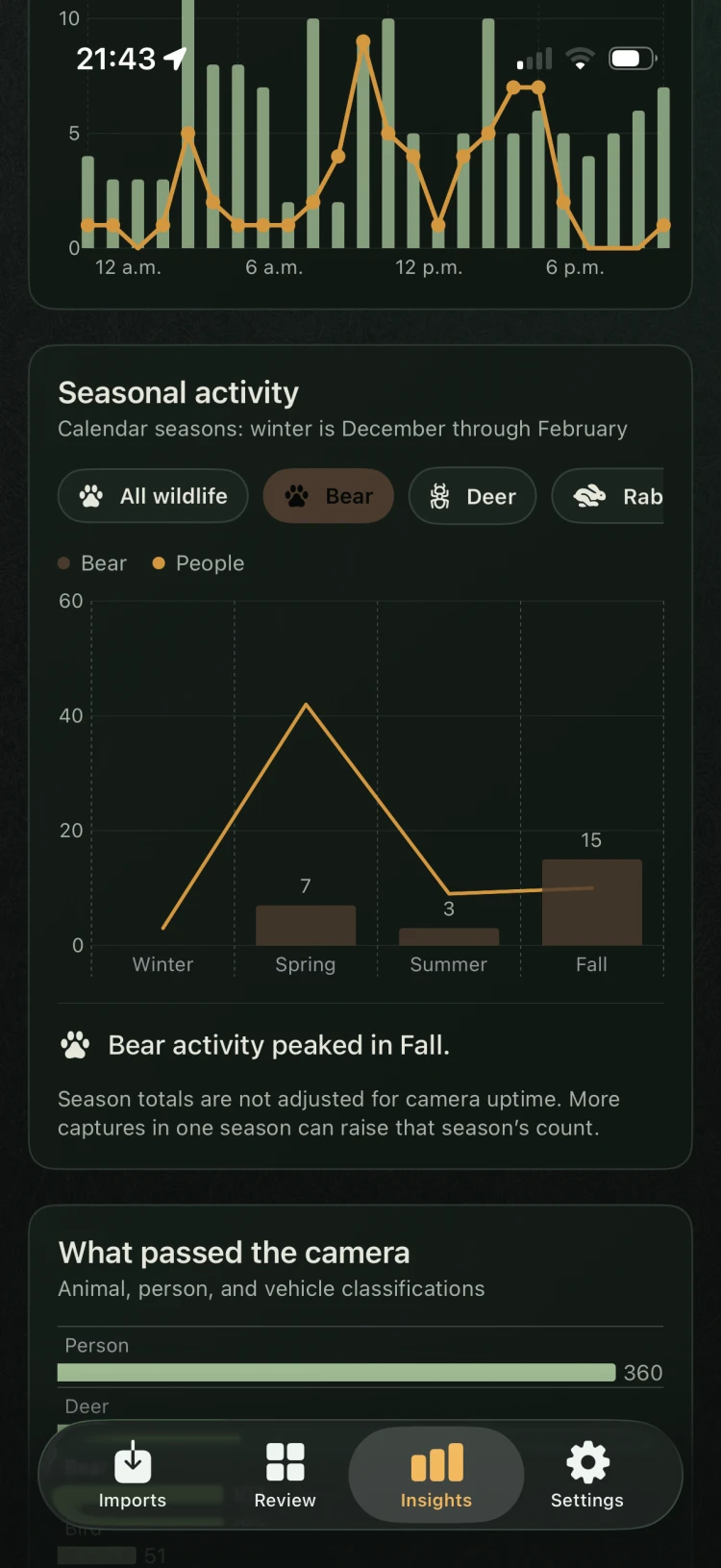
Current Insights views reveal timing, traffic windows, seasonal trends, classification mix, and camera-by-camera activity without uploading your trail-camera history.

Good questions

Before you trust an app with the card.

TriggerSort’s answers are intentionally conservative. Your Photos library remains the source of truth, and you stay in the review loop.

Does TriggerSort upload my trail-camera photos?

No. Wildlife and blank-frame analysis uses models bundled with the app and runs on your device. TriggerSort does not operate a photo-processing server.

Can it delete a photo automatically?

No. TriggerSort can prepare likely blanks for review, but you choose the photos, confirm the cleanup, and then confirm Apple Photos’ system prompt. Deleted photos normally remain recoverable in Recently Deleted.

What if the app is not sure an import came from a trail camera?

Uncertain sessions stay outside the working library as possible matches. You can inspect the source and decide whether to include it.

Will it work with photos stored in iCloud?

Yes, when you enable the optional setting. Apple Photos downloads your original from your own iCloud library, then TriggerSort analyzes it locally.

Is TriggerSort only for deer?

No. It recognizes broad wildlife categories and many more specific labels, including hoofed game, bears, birds, turkeys, canids, small mammals, people, vehicles, and uncertain subjects.
Coming soon

Your next card dump can be the easy one.

TriggerSort is being prepared for iPhone. The App Store link will appear here as soon as the release is ready.